
Microsoft Office
Office 2021 vs 2019 – What’s the Difference?
Dec
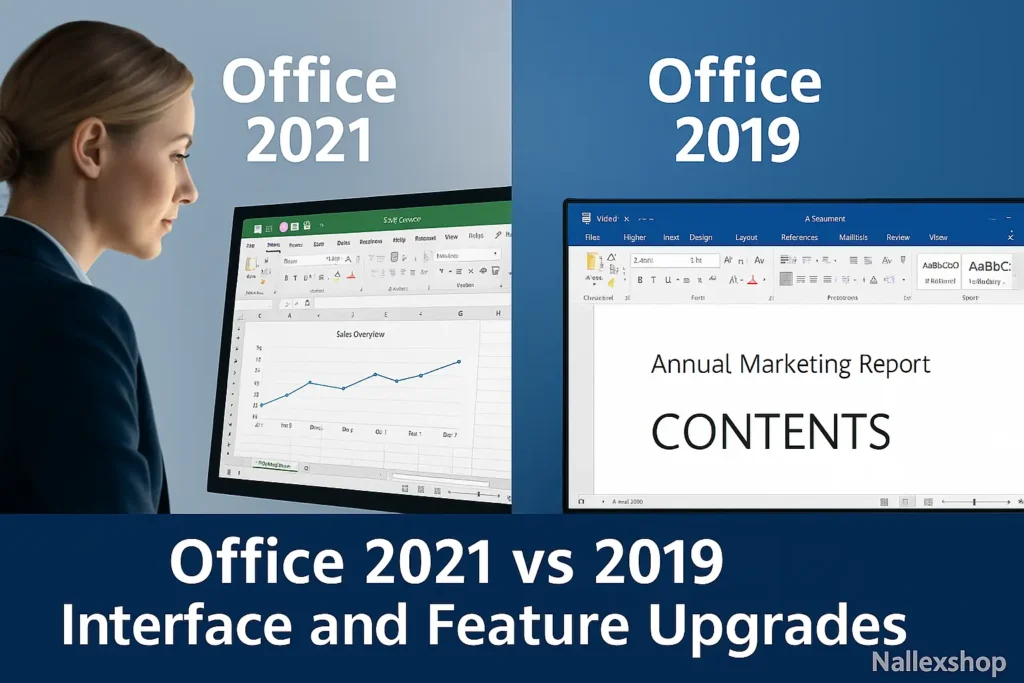
If you are still using Office 2019 and wondering whether to upgrade, or you are choosing between two one-time purchase options, comparing Office 2021 vs 2019 is the best place to start. Both versions provide the classic Office apps like Word, Excel and PowerPoint, but there are key differences in features, support, and long-term value.
Main differences between Office 2021 and Office 2019
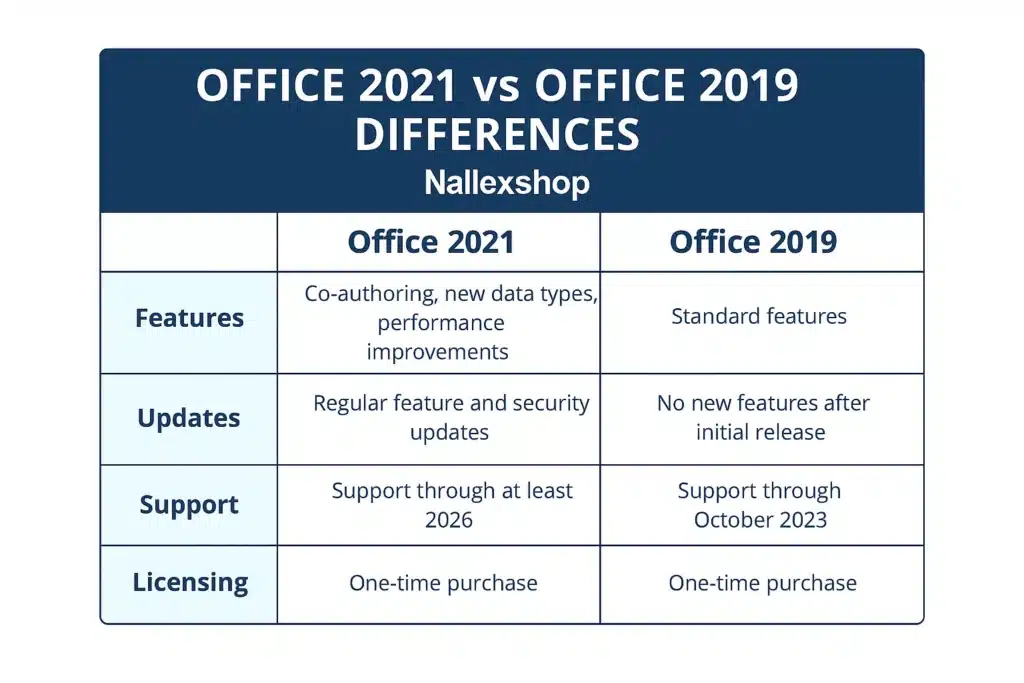
At the surface, both versions look similar, but Office 2021 includes important updates such as improved real-time collaboration, better performance, and more advanced Excel functions. Office 2019 is stable and reliable, but lacks many of the advancements introduced in Office 2021.
| Feature | Office 2019 | Office 2021 |
|---|---|---|
| Release year | 2018/2019 | 2021 |
| License type | One-time purchase | One-time purchase |
| Support lifecycle | Ends earlier | Longer support |
| Real-time collaboration | Limited | Improved co-authoring |
| Modern Excel features | Fewer | XLOOKUP, dynamic arrays, more |
| User Interface | Classic Office UI | Modern UI aligned with Windows 11 |
Licensing: Office 2021 vs 2019 one-time purchase
Both Office 2021 and Office 2019 are perpetual licenses. This means:
- You pay once and keep the software forever.
- You receive security updates, but no major feature upgrades.
- You can install it on one PC unless your license allows multiple devices.
If you prefer a one-time purchase instead of Microsoft 365, both versions work well. However, Office 2021 offers better long-term value because of its longer support window and improved features.
You can also read Microsoft’s comparison here: Microsoft 365 vs Office comparison.
What’s new in Office 2021 compared to Office 2019?
When comparing Office 2021 vs 2019, most of the improvements appear in collaboration tools, Excel upgrades and interface enhancements.
1. Real-time co-authoring
Office 2021 allows multiple users to collaborate on Word, Excel and PowerPoint files simultaneously when stored in OneDrive or SharePoint. Office 2019 has limited co-authoring support.
2. Powerful new Excel functions
Excel gains major upgrades in Office 2021, including:
- XLOOKUP – replaces VLOOKUP and HLOOKUP.
- Dynamic arrays – formulas that spill into multiple cells.
- New functions:
FILTER,SORT,UNIQUE,SEQUENCE,RANDARRAY.
3. Interface refresh
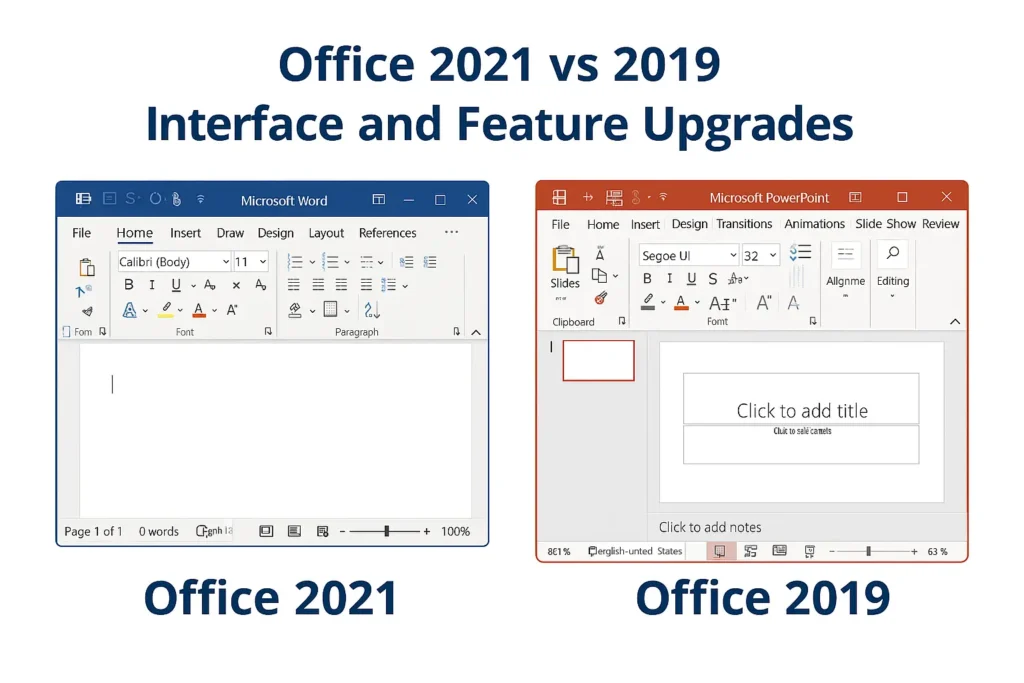
Office 2021 includes a modern look with updated icons, improved dark mode, and better integration with Windows 11.
4. Better performance
Office 2021 is optimized for faster loading and better handling of large files. Office 2019 lacks these newer performance improvements.
Support lifecycle: which version lasts longer?
Office 2021 will receive security updates for several years longer than Office 2019. If you plan to use your software long-term, Office 2021 is the safer choice.
Microsoft’s official lifecycle table can be found here: Microsoft product lifecycle.
Pricing: is Office 2021 worth the upgrade?
The price difference between Office 2021 vs 2019 is usually small, especially when buying a lifetime license. Because Office 2021 offers more features and longer support, it is generally the better long-term value.
Office 2021 vs 2019 vs Microsoft 365
If you prefer a one-time purchase, Office 2021 or Office 2019 is ideal. But if you want ongoing updates and cloud storage, Microsoft 365 may be a better option.
Which version should you choose?
- Choose Office 2021 for the most modern features and longest support.
- Choose Office 2019 if you already own it or find it much cheaper.
- Choose Microsoft 365 for cloud storage and constant updates.
Where to buy Office 2021 lifetime license
To get a genuine and secure Office 2021 license, buy from a trusted seller:
Need installation help? Follow our guide:
How to Install and Activate Office 2021
